Home Service & Contractor Ops
Have AI Tell You Which Customers You Haven’t Answered
One prompt. Longest wait first. Connect ChatGPT to your email and get a short list of who’s still waiting on a quote, a schedule, or a promise you already made.
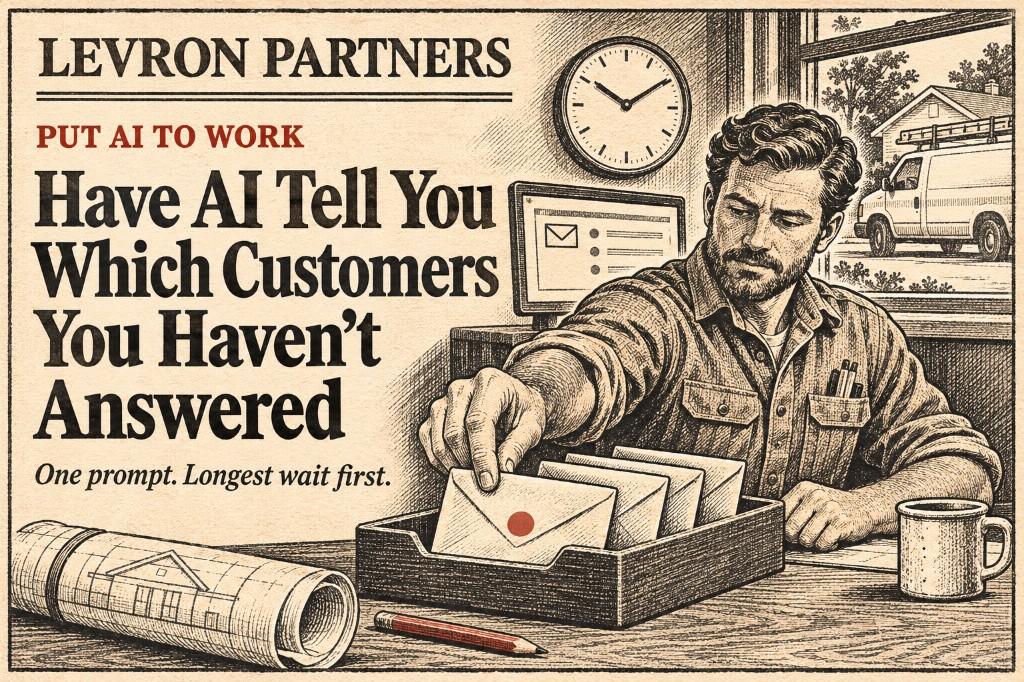
Somewhere in your inbox is a homeowner who asked for a quote four days ago. It got buried under supplier invoices, permit notices, and newsletters, and you won’t find it until they email again, a little annoyed. Or until they don’t, because they hired the contractor who answered.
You don’t need to read your whole inbox to find that email. You can ask for it.
ChatGPT can connect to your email, search it, and answer questions about what’s in it. It works with iCloud Mail, Outlook, and Gmail, and all three are available on the free plan.
Below is how to connect it, plus three prompts to save: who’s waiting on you, what you promised people, and a reply you approve before it goes anywhere.
The same window that loses jobs when a call sits unanswered still applies here — the five-minute rule is about speed, and unanswered email is just the slower version of the same leak.
Step 1: Connect your email
In ChatGPT, open Settings and look for Plugins, then click browse directory. Find your email provider there (iCloud, Outlook, or Gmail), connect it, and set your permissions.
When you set permissions, if you’re given the choice, let ChatGPT read your email and draft replies, and leave sending turned off. Everything below works that way.
iCloud (an address ending in @icloud.com, @me.com, or @mac.com): ChatGPT will ask for an app-specific password, not your normal Apple password. You make one in your Apple Account settings, under Sign-In and Security. It’s a separate password made just for ChatGPT, and you can delete it any time to cut off access.
Outlook and Gmail: sign in with your Microsoft or Google account when prompted and approve the access.
Do it once and it stays connected.
Step 2: Find out who’s waiting on you
Paste this. It’s the one to use most.
Look through my email from the last 7 days.

Find messages from customers, property managers, builders, or anyone asking about a quote, a job, or a schedule that I have not replied to yet.

Skip newsletters, receipts, supplier invoices, notifications, ads, and anything automated.

For each one, give me:

who it’s from
what they want, in one line
how many days they’ve been waiting

Put the longest wait at the top. Don’t reply to anyone or send anything.
You get back a short list instead of an inbox. Answer the top one first.
Step 3: Find what you promised
This one catches the emails you sent, not the ones you received. “I’ll get you that quote Monday.” “Let me check with my supplier and get back to you.” Those are easy to say and easy to forget.
Look through the emails I sent in the last 14 days.

Find anything I told someone I would do, like “I’ll send the estimate Monday” or “let me check and get back to you.”

List each promise with who it was to, what I said I’d do, and when I said I’d do it.

Mark any where the date has already passed. Don’t send anything.
Step 4: Draft the reply, then you send it
Draft a reply to [name] about [what they asked].

Keep it under 100 words, friendly and plain. If I need to give a date or a price, leave a blank like [DATE] or [PRICE] for me to fill in.

Show me the draft. Don’t send it.
Read it, fill in the blanks, and send it yourself. ChatGPT can send email for you, but you don’t need it to. Leaving the last click with you is the habit worth keeping.
What it looks like
Say you run a remodeling company, and it’s Thursday morning. You paste the first prompt and get back:
- A homeowner asking if you can look at a leaking roof before the rain on Saturday. Waiting 3 days.
- A property manager asking for a price on replacing water heaters in four units. Waiting 2 days.
- Someone asking whether you do bathroom remodels. Waiting 1 day.
Then the second prompt turns up one more: you told a homeowner on Monday you’d send the estimate “tomorrow,” and you didn’t.
That’s four people who were about to decide you’re slow, found in about a minute. The same thing works for a plumber, an electrician, a roofer, or an HVAC company. Only the emails change.
Where it falls down
It can miss things. It’s reading and guessing who counts as a customer. It may skip someone or list an email you already answered by phone or text. Treat the list as a starting point, not a guarantee.
It reads everything in that inbox. Connecting your email means ChatGPT can see all of it: invoices, contracts, customer addresses. Review OpenAI’s data and privacy settings, and decide what you’re comfortable with before you connect. If your main inbox also holds sensitive material like payment details or signed contracts, consider connecting a separate business inbox instead.
Free plan limits apply. On the free plan you’ll hit usage caps faster, and some features may not show up for your account yet.
Try it once
Tomorrow morning, before you open your inbox, paste the first prompt. Answer whoever’s at the top.
The customer you lose isn’t the one you said no to. It’s the one you never got back to.
If you want this every day or every week without pasting the prompt, you can set it up as a scheduled task so ChatGPT checks your email on its own and has drafts waiting. Depending on when you’re reading this, that feature may only be on a paid plan. Either way, keep “draft it, don’t send it” in the prompt so the last click always stays yours.
Aristotle Taylor is the CEO and co-founder of Levron Partners. We find where an operation is leaking hours, then build the software that removes them.
Keep reading
Guide
How Contractors Can Make Their Phone Tell Them Who Is Calling Before They Answer
Your iPhone or Pixel can type out what an unknown caller says while they say it. It is free, it is built in, and it takes two minutes to turn on.

Guide
This Week in AI for Contractors and Home Services: Prosecutors Say AI Copies of CEOs Stole $129 Million
Plus Meta paused its website crawling terms, and your Google Maps listing needs a quick check. November 2nd to the 8th.

Guide
This Week in AI for Contractors and Home Services: Google Is Putting More Ads Inside Its AI Answers
Plus ChatGPT got cheaper at reading drawings, and it can now read your iCloud email. October 26th to November 1st.
Let’s find the hours.
Bring your last ten quotes and a normal week off the schedule. Forty-five minutes is usually enough to see where it’s going.