Home Service & Contractor Ops
How Contractors Can Make Their Phone Tell Them Who Is Calling Before They Answer
Your iPhone or Pixel can type out what an unknown caller says while they say it. It is free, it is built in, and it takes two minutes to turn on.
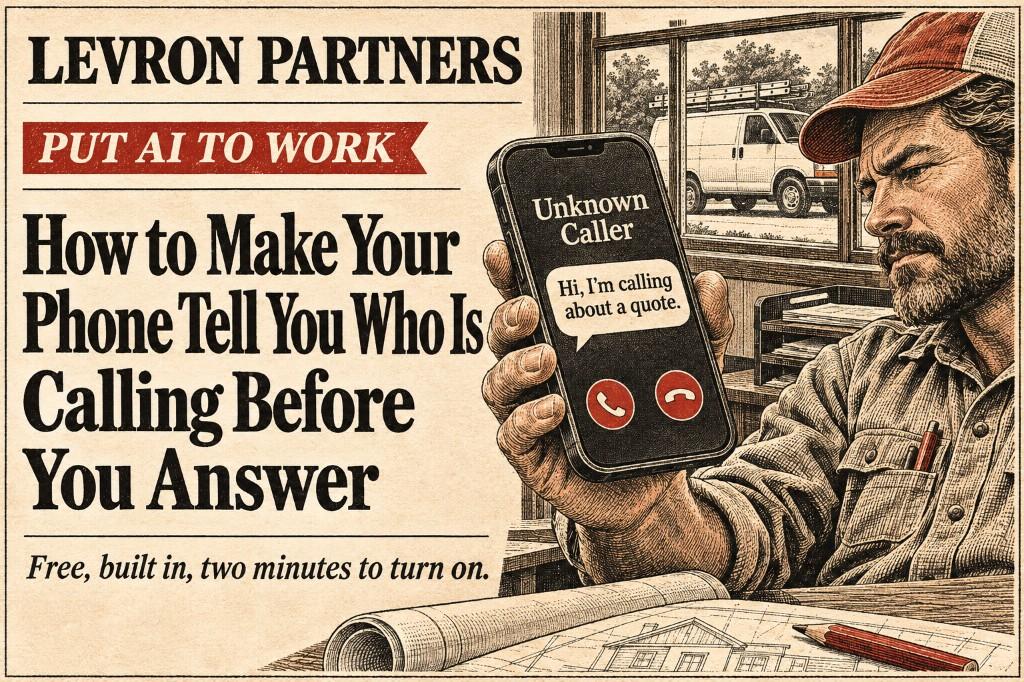
Your phone rings. The number is one you don't know.
You are on a roof, under a sink, or halfway up a ladder. It could be a homeowner ready to book. It could be a supplier. It could be someone selling something you will never want. If you climb down to answer, you lose ten minutes. If you don't, you spend the afternoon wondering whether you ignored a job.
Your phone can now answer that question before you pick up.
What it is and where it lives
Two features do this. Both are free, and both turn what a caller says into text on your screen. Under the hood, it is AI turning speech into words.
Call Screening answers an unknown caller for you. An automated voice asks for their name and why they are calling, and you read the answer as they say it. On an iPhone it lives in the Phone app on iOS 26. Engadget's guide says it needs an iPhone 11 or newer. Google Pixel phones have a similar feature called Call Screen.
Live Voicemail works on iPhones with iOS 17 or later. The call goes to voicemail, and you read the message on your screen as the caller leaves it. You can pick up if it matters.
Pick one to start. We would begin with Live Voicemail, and the reason is in the limits below.
How to turn it on
- Update your phone. Engadget's guide was written for iOS 26. Newer versions may name things differently.
- For Call Screening on an iPhone, open Settings, then Apps, then Phone. That is the path Engadget gives. Under Screen Unknown Callers, choose Ask Reason for Calling. The other choices are Never and Silence.
- For Live Voicemail, stay in the Phone settings and scroll to Live Voicemail. Switch it on. That is the path AT&T gives for the iPhone 17 Pro.
- On a Pixel, Google's guide to Pixel Call Assist covers Call Screen. It shows a live transcript. You start it by hand unless you set it to run on its own, and you can review it afterward in Recents.
- Save your regular customers as contacts. Engadget says contacts, and numbers you have called recently, skip screening and ring through as normal. For a contractor, that means saving the homeowner's number when you book the estimate.
When the transcript shows a real homeowner, send this text before you call back. It tells them you saw their message.
Hi, this is [your name] with [your company]. Sorry I missed your call, I'm on a job. What do you need? I will get back to you as soon as I'm down.
What a Tuesday looks like
Here is an example. You are on a ladder at 10:15 and an unknown number rings. Your screen shows: "This is Mr. Alvarez. I'm calling about the gutters you looked at on Saturday." You finish the bracket and call him from the truck. The job stays yours.
Twenty minutes later another unknown number rings. The transcript is a recorded sales pitch. You never touch it.
Where it falls down
- A new homeowner may hang up on a robot. Call Screening makes an unknown caller talk to an automated voice before they reach you. A homeowner who is calling three contractors may not wait for that. We looked for data on how often it happens and found none. That is why we would start with Live Voicemail, where the call goes to voicemail and you read along.
- It does not stop scams. Last Monday's issue covered prosecutors saying scammers used AI copies of CEOs' voices. A caller who gives a name and a reason has proven nothing. If a call asks you or your office to move money, call back on a number you already had. That advice is ours.
- Transcripts can be wrong. We found no accuracy figures for either feature. Names, addresses, and phone numbers are where mistakes cost you, so read the transcript as a guide, not a record.
- It covers your phone's own number. If your business calls ring through a desk phone or a phone app, ask whoever set it up what it offers.
- It depends on your phone, software, carrier, and country. Tom's Guide said Live Voicemail launched in the United States and Canada only. An Apple Community post says it needs a carrier that supports conditional call forwarding. If you can't find the setting, start there.
It works on your customers' phones too
If you call a homeowner who has never called you, their phone may ask for your name and reason first. Say both plainly. Better, text them before you call: who you are, and when you will ring. DesignRush makes the same suggestion.
Try it this week
Turn one on today. After three days, read what came in. If it is mostly sales calls, you got time back. If a homeowner is in there, you got that job.
A ringing phone is a question. The transcript is the answer, before you pick up.
Aristotle Taylor is the CEO and co-founder of Levron Partners. We find where an operation is leaking hours, then build the software that removes them.
Sources
- Engadget, November 2, 2025: iPhone Call Screening, the settings path, iPhone 11 and newer, and contacts and recent outgoing numbers skipping screening.
- Google, February 20, 2025: Pixel Call Screen, the live transcript, manual or automatic, and review in Recents.
- Tom's Guide, August 24, 2023: how Live Voicemail works, iOS 17, and the United States and Canada at launch.
- AT&T device support, no date shown on the page: the Live Voicemail settings path on the iPhone 17 Pro.
- Apple Community post, no date shown on the page: Live Voicemail and the carrier requirement for conditional call forwarding.
- DesignRush, June 13, 2025: the suggestion to text customers before you call. It gives no figures on hang ups.
- Moonlock, July 4, 2025: what an unknown caller hears and is asked.
- Associated Press via News4Jax, November 6, 2026: the charges over AI copies of CEOs' voices, covered in last Monday's issue.
Keep reading

Guide
This Week in AI for Contractors and Home Services: Prosecutors Say AI Copies of CEOs Stole $129 Million
Plus Meta paused its website crawling terms, and your Google Maps listing needs a quick check. November 2nd to the 8th.

Guide
Have AI Tell You Which Customers You Haven’t Answered
One prompt. Longest wait first. Connect ChatGPT to your email and get a short list of who’s still waiting on a quote, a schedule, or a promise you already made.

Guide
This Week in AI for Contractors and Home Services: Google Is Putting More Ads Inside Its AI Answers
Plus ChatGPT got cheaper at reading drawings, and it can now read your iCloud email. October 26th to November 1st.
Let’s find the hours.
Bring your last ten quotes and a normal week off the schedule. Forty-five minutes is usually enough to see where it’s going.